 Cadigence
The Best Way to Review CAD Drawings (Without Losing Comments in Email)
Ask ten engineering firms how they review a drawing and you get the same story. A designer exports a PDF. Comments come back over email, chat, and a marked-up printout. A few days later, half are unclear, one got missed, and nobody can say which version was actually approved.
The work is fine. The review is broken. And in most firms the review, not the drawing, is what quietly eats the schedule.
Why email-and-PDF review breaks down
Three problems show up on almost every project:
- The markup is cut off from the drawing. A comment on a PDF is a snapshot, separated from the live drawing and the person who has to act on it.
- Nothing tracks what is open or done. An email thread has no state, so items slip and get re-checked by hand.
- The record is scattered. When a client asks “who approved this, and when,” the answer is buried across inboxes.
It is not a discipline problem. The medium cannot hold what a review needs.
What a good review actually needs
Five things, whatever tools you use:
- Comments pinned to the exact spot. “Fix the dimension near the top-right” is guesswork. A pinned comment is not.
- Explicit severity. Separate must-resolve from advisory, so the important fix does not get lost among the nitpicks.
- A state on every comment. Open, resolved, or reopened, so nothing quietly drops.
- A real approval chain. Most drawings move up levels: checker, approver, sometimes client. Make that automatic.
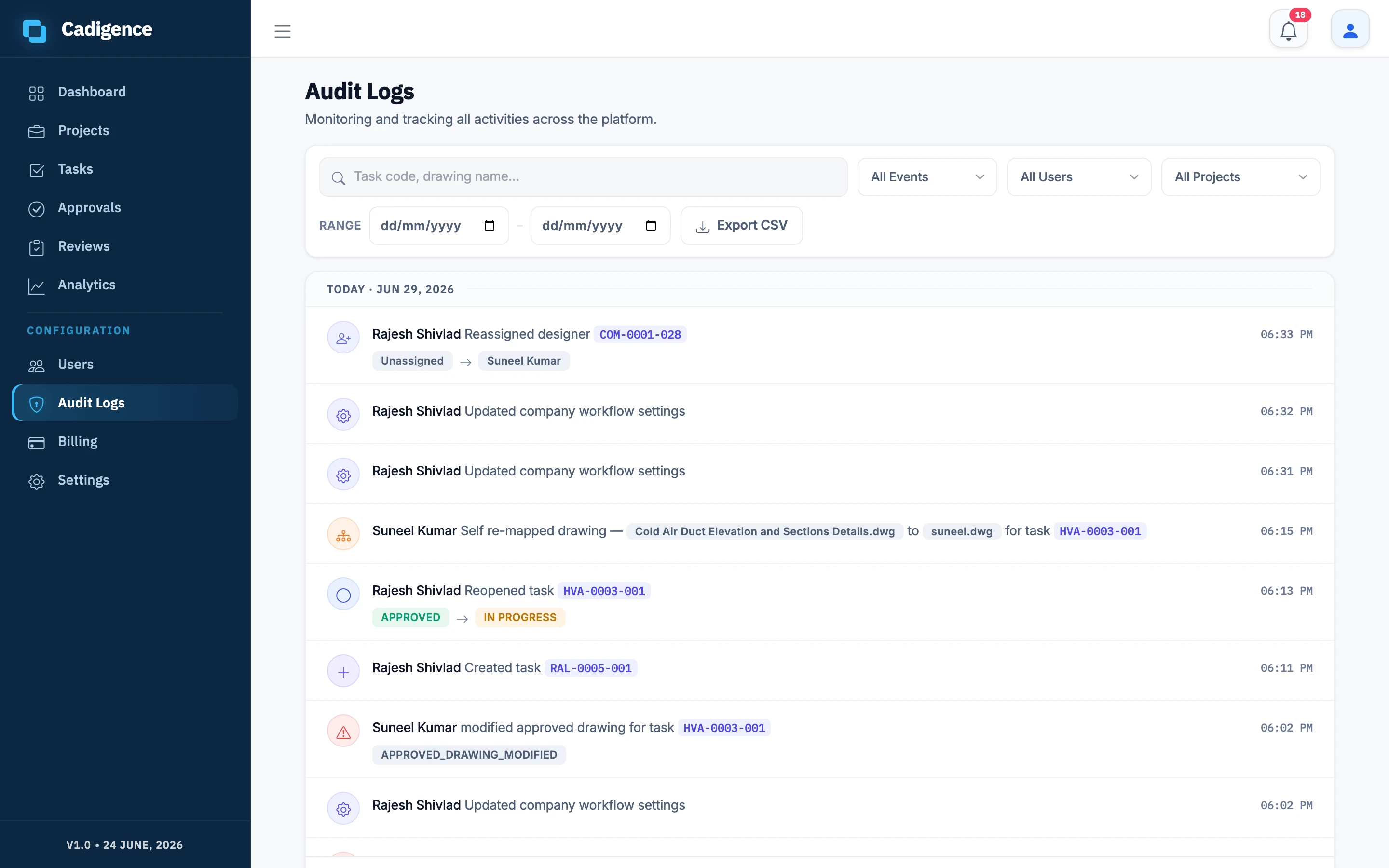
- A record you can trust. Who flagged what, when, and who signed off. Not a reconstruction from memory.
A better workflow, in six steps
- Submit, do not email. Put the drawing in one place and lock it so it cannot change mid-review.
- Mark up on the drawing. Pin each comment to the spot, and tag it must-resolve or advisory.
- Send it back as a set, not dribbled across three emails over two days.
- Fix, resolve, resubmit. Filter to must-resolve, fix each one, mark it done.
- Move it up the levels automatically, once a level approves.
- Keep the trail, so the final drawing carries its own proof.
Where this leads
You can run a disciplined review with shared folders and a lot of care. It works, until the project gets busy. Then comments get missed, and the audit trail depends on everyone being tidy on their worst day.
That gap is what Cadigence closes. Reviewers pin comments in the browser, they land on the designer’s drawing in AutoCAD tagged by severity, approvals move up the chain on their own, and every step lands in an append-only audit trail. The plugin never touches your DWG.
Cadigence is in early access. If your team still reviews drawings over email, request early access and we will run a full review cycle on drawings like yours.