
Multi-level approval
A drawing in Cadigence passes through an approval pipeline, a chain of review levels, each with its own reviewer and authority. A pipeline can have 1 to 5 levels.
Authority types
Section titled “Authority types”Each level is given an authority type that says what kind of sign-off it represents:
- Technical check: a checker confirms the drawing is correct.
- Engineering approval: an engineer signs off with engineering authority.
- Client acceptance: the client accepts the drawing.
How a drawing moves through the pipeline
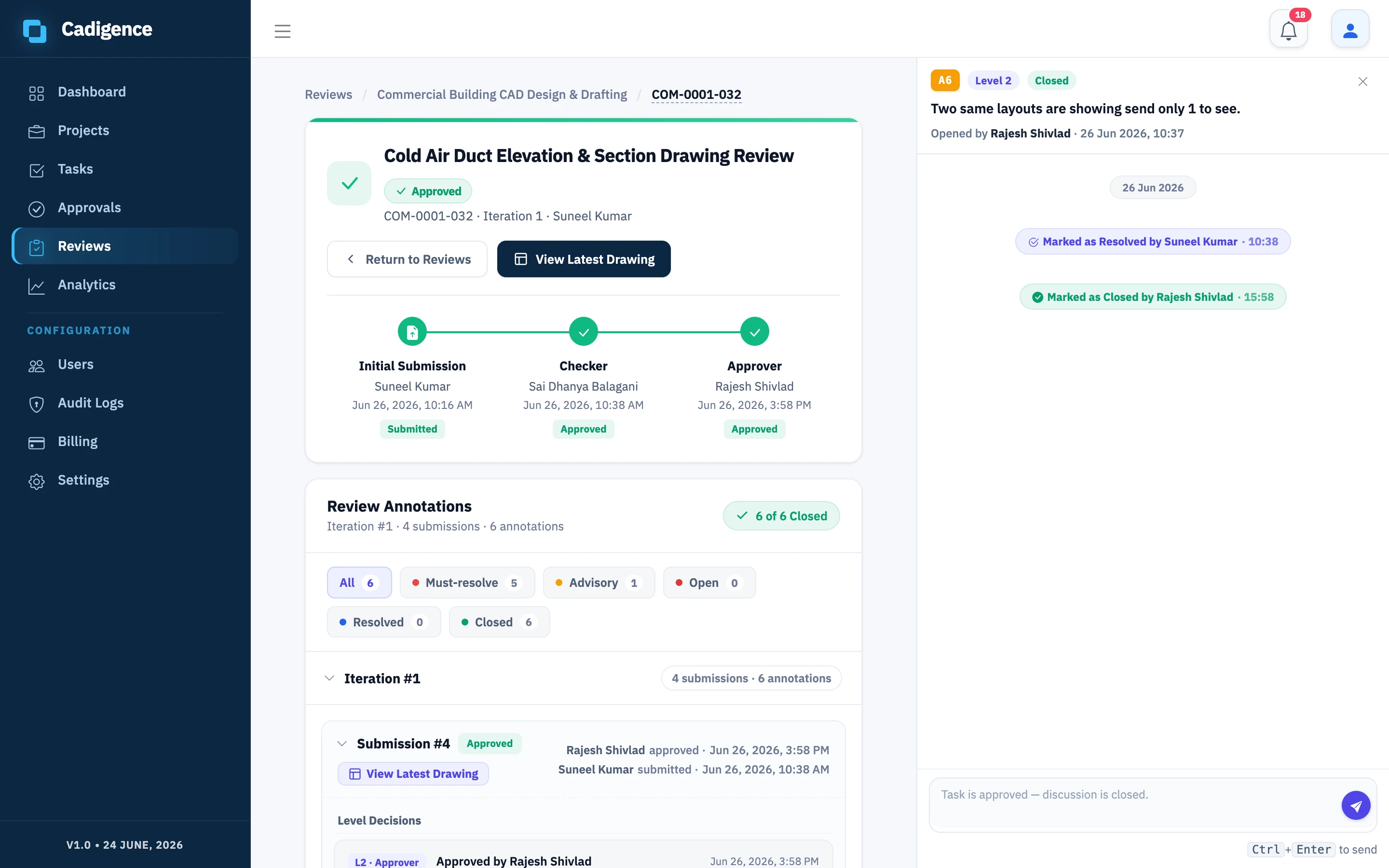
Section titled “How a drawing moves through the pipeline”- The designer submits. The drawing enters Level 1, which becomes in review.
- The Level 1 reviewer approves or returns it. If returned, it goes back to the designer; once they resubmit, it comes back to the reviewer.
- When a level approves, the drawing hands off automatically to the next level.
- When the final level approves, the task becomes Approved.
If any level returns the drawing for revision, it goes back to the designer, and the cycle continues until every level has approved. You can configure where a returned drawing resumes, back at Level 1, or at the level that returned it.
Set up a pipeline (managers)
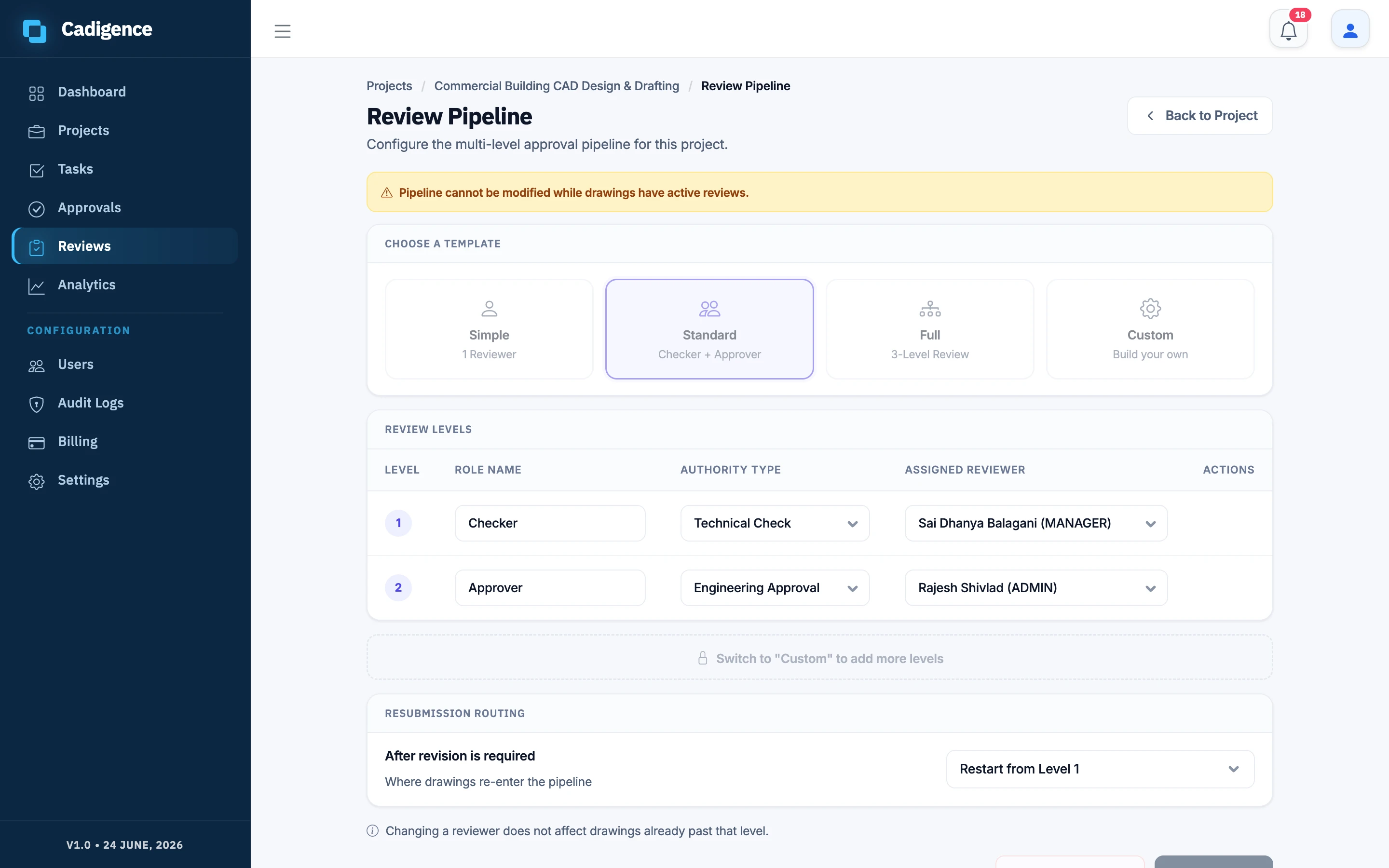
Section titled “Set up a pipeline (managers)”- From Reviews, open the pipeline for a project.
- Choose a template to start from:
- Simple: one level.
- Standard: two levels.
- Full: three levels.
- Custom: build your own, 1 to 5 levels.
- For each level, set a name, choose an authority type, and assign a reviewer (a manager or admin). Optionally assign a substitute reviewer to stand in when the main reviewer is unavailable.
- Choose the resubmission routing, where a returned drawing comes back to.
- Save.
See Reviewing a drawing for what reviewers do at each level.