
Approver
As an approver you sign off with engineering or client authority, from the browser. You review at a higher pipeline level, after a checker has already passed the drawing up to you. No plugin is needed.
Sign off on a drawing
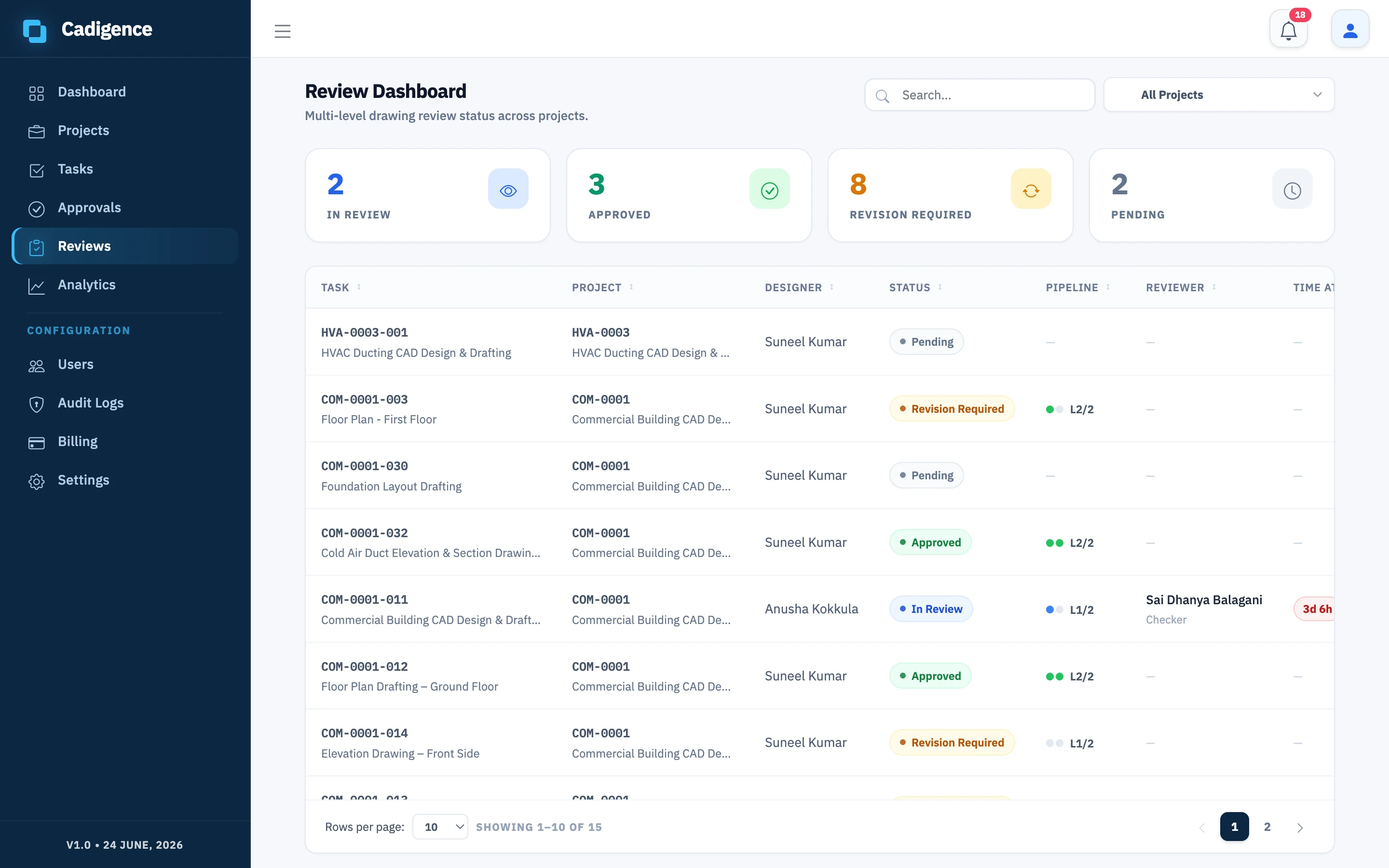
Section titled “Sign off on a drawing”- In the web portal, open Reviews and select the task from your queue.
- Read the comment history and the approval trail so you can see what earlier levels flagged and how it was resolved.
- Open the review PDF. You can add your own comments the same way a checker does if something needs more work.
- Confirm the must-resolve items are resolved, then make your decision:
- Approve: passes the drawing to the next level, or finalises it if you’re the last level.
- Approve with conditions: approve while recording conditions the team should follow up on.
- Return for revision: send it back to the designer with your comments.
Your decision, your name, and the authority type for your level (technical check, engineering approval, or client acceptance) are recorded in the audit log.
Clients
Section titled “Clients”Client acceptance works the same way: a client reviews the drawing in the browser at the final level and accepts it. The acceptance is recorded in the audit log, so there’s a clear record of who signed off and when.
See Multi-level approval for how levels and authority work.