
Checker
As a checker you review drawings on the first level, entirely in the web portal, no AutoCAD or plugin needed. Your job is to mark up what needs fixing and either approve the drawing or send it back.
Review a submission
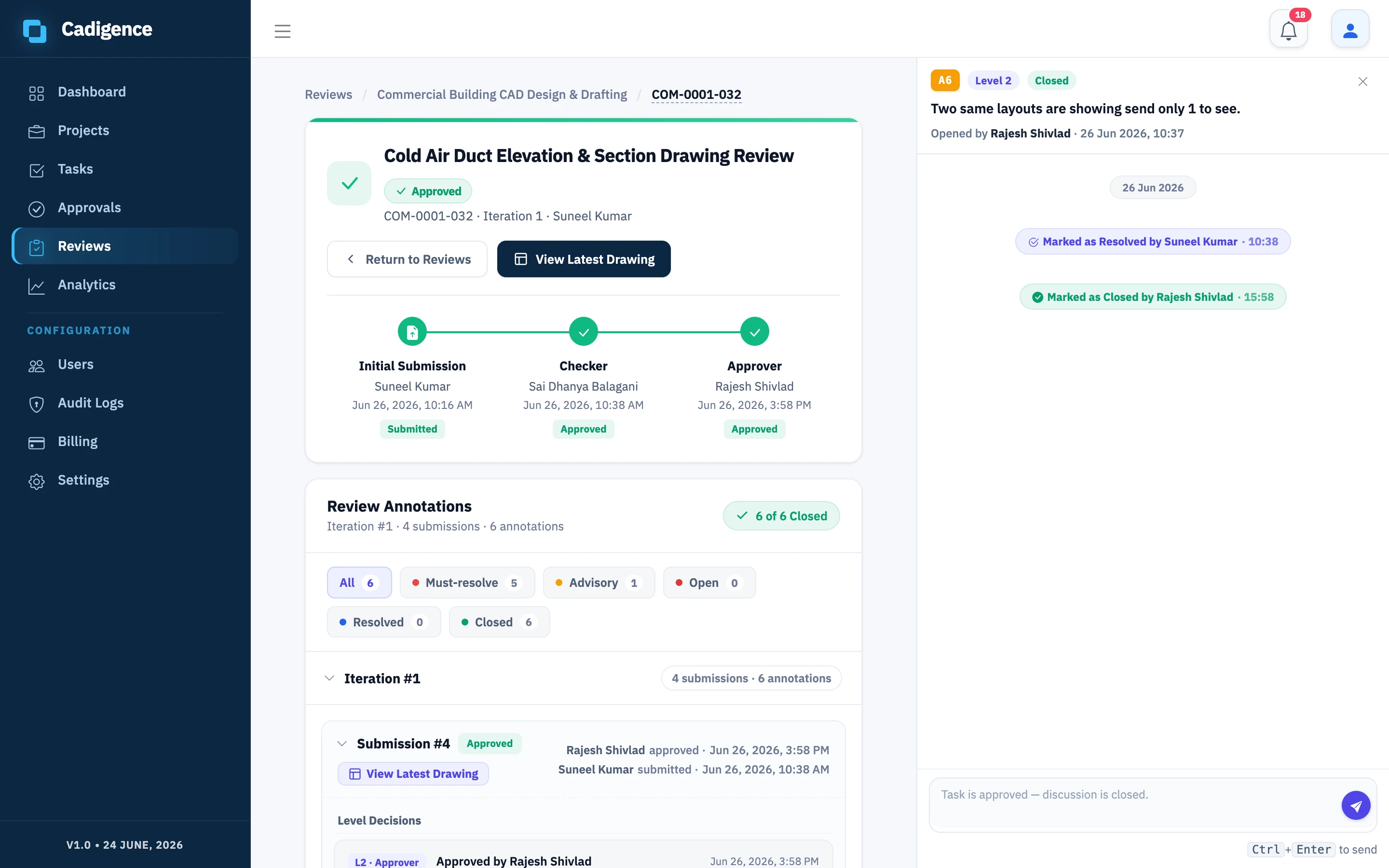
Section titled “Review a submission”- In the web portal, open Reviews. Drawings waiting on you appear in your queue; you’ll also get a notification when one is submitted.
- Open the task to see the review PDF and the approval trail.
- Open the PDF viewer and mark up the spots that need attention with the cloud, rectangle, arrow, text, and highlight tools.
- Tag each comment must-resolve (the designer must fix it before the drawing can move forward) or advisory (informational guidance the designer doesn’t resolve, it closes automatically when you approve). Add a note, and a reference where useful, a standard or an expected value.
- Publish your comments so they reach the designer, then make your decision: Approve, Approve with conditions, or Return for revision. All your comments are sent together.
For the full markup workflow, drafts, severity, replies, verifying fixes, see Reviewing a drawing.
After the designer resubmits
Section titled “After the designer resubmits”When the drawing comes back, review the changes, verify each fix (or reopen a comment if it still needs work), and approve to hand off to the next level, or return it again.
When you approve, the drawing moves automatically to the next pipeline level (if any). Your decision, name, and the time are recorded in the audit log.